
Hello Guest. Welcome! Great to have you here — let’s get started.
Your webcam becomes your posture coach.
While you sit, work, or game, UpSensei uses your webcam to tell you when your body is in an uncomfortable position. Your camera feed never leaves your device.
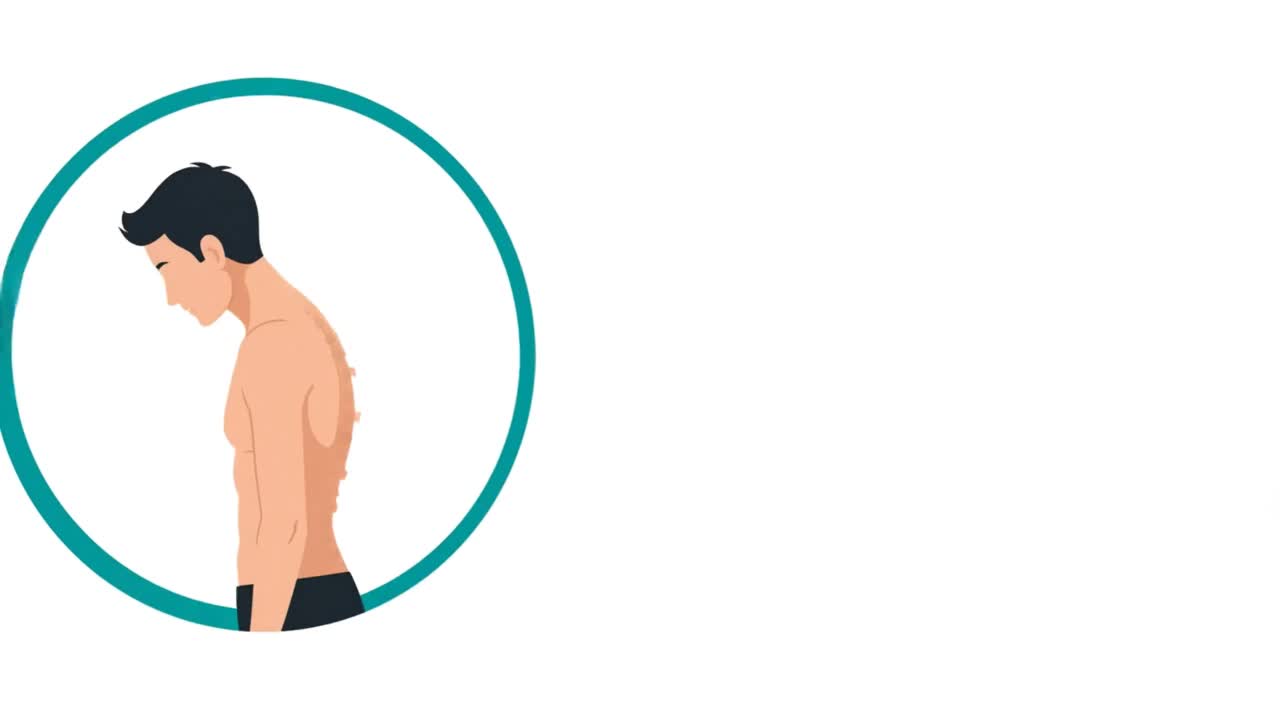
Why UpSensei
Three out of five workers in Europe live with muscle and joint pain. [EU-OSHA]
Nearly half of office workers report neck pain in a given year — linked to long spells of forward-bent neck posture. [Cagnie 2007]
No group of illnesses costs Germany more lost work days than musculoskeletal disorders. [BAuA]
The expensive part isn't the sick day — it's the months of working in pain before it. [iga]
Short, regular breaks can ease desk discomfort — and the trials found no adverse effect on productivity. [Waongenngarm 2018] What a microbreak is — and what to do →
FAQ
What was the motivation for UpSensei?
As a computer scientist I do highly concentrated work in front of a screen for 8 hours a day. I am so concentrated I do not even recognize pulling up my shoulders and sitting in weirdly shaped positions. I built UpSensei, so someone gently reminds me to relax.
How do I use UpSensei?
Beginner — Press Start and listen. UpSensei watches your posture and reminds you when something looks off. We recommend voice notifications. Intermediate — Each analyzer card has a threshold slider — drag it if a check fires too eagerly or too rarely. Each card also has a Pause button to snooze just that analyzer for 10 minutes when you know you're about to do something it would flag. Advanced — Expand the graphs under each card to see your numbers over time, scrub the timeline below the camera to revisit moments, and replay past sessions from the History view with different thresholds to find your right calibration.
How does UpSensei detect my posture?
UpSensei uses your device camera and on-device machine learning to track skeletal landmarks across the whole body in real time; the analysis mainly uses the head, ear, and shoulder points. From those it derives angles that flag patterns like a tilted head, jutting chin, leaning to one side, or raised shoulders.
Is my camera footage stored or uploaded anywhere?
No. Video never leaves your device — pose detection runs locally, and no images or video frames are ever recorded or transmitted. Posture is also analyzed on your device, so no posture data is uploaded unless you use Pro’s optional Cloud mode, which sends only abstract coordinates (never images or video) to our EU server.
Does UpSensei use cookies or track me?
No. We use no advertising cookies, no analytics cookies, no third-party trackers, and no device fingerprinting — which is why there is no cookie banner to click away. Without an account and without a calling-service connection you have no cookies from us at all. The only identifier is a random ID stored in your browser to associate your settings and sessions. At most two cookies ever appear: one for signing in, one for silencing alerts during calls.
Where is my data stored? Is it GDPR-compliant?
UpSensei is built to comply with the GDPR, and what we store depends on how you use it. As a guest, no posture data ever reaches our servers and no images or video are ever recorded — your sessions, settings and history stay in your browser. What the server does keep for a guest is a single licensing row: a one-way fingerprint of the random ID in your browser (never the ID itself), how many session licences were issued and refused, and a first- and last-seen timestamp. It exists to enforce the free-session limit and to spot abuse of it, and it is deleted automatically 90 days after your last session. A free account stores only your profile settings (checks, notification preferences, language), never posture data. Only Pro’s optional Cloud mode sends posture coordinates to our servers, which run entirely within the EU (Amsterdam) — abstract coordinates only, no images or video. Sign-in runs through our German processor Hanko; our own server stores only an opaque user identifier, never your name or email.
Do I need to install anything?
No — there is nothing to install: UpSensei runs in your browser. Just open the page, grant camera access, and start a session. After your first session you may see an optional "Install UpSensei" button. Installing adds a dock or start-menu icon, and the next time you click it the session starts automatically. It is a convenience, not a requirement — the browser tab works exactly the same. If your browser offers installation, you will also find the button right below this answer.
What is Raku time?
Raku time measures how much of your session you spent at ease — in a relaxed, comfortable posture. It is a positive score: the higher the better.
How should I position my camera?
Place your camera near eye level and centred (typically just above your monitor) so your head and upper torso are clearly visible. A bare laptop puts the screen well below eye level, which forces a head-down posture no coach can fix — and balancing one on your lap is worse. UpSensei strongly recommends a laptop stand (or external monitor) plus a separate keyboard, so the screen sits at eye level. The same setup also gives the camera a much better angle for tracking.
Does it work in low light or with a busy background?
Pose detection is fairly robust to background clutter — it specifically looks for human figures, not objects. For best accuracy, make sure your face and shoulders are well lit and not back-lit by a window.
Can I use it while wearing a hoodie or bulky clothes?
Most everyday clothing is fine — head and shoulder landmarks remain detectable. Very baggy hoodies, thick scarves, or anything that hides the line of your shoulders can reduce accuracy for shoulder-based checks like leaning or uneven shoulders.
Will UpSensei slow down my computer or interfere with other apps?
UpSensei runs in a single browser tab and uses your GPU when available, so the load is light. Whether you can run it alongside a video call depends on your browser, OS, and webcam — a Chromium-based browser (Chrome or Edge) tends to share the camera most reliably between apps, whereas Firefox can keep another app like Teams from turning the camera on. On the OS side, modern Windows usually shares the camera fine, while many Linux setups and some older drivers only allow one app at a time. If UpSensei reports the camera as unavailable, try a Chromium-based browser, close the conflicting app, or stop the UpSensei session until the call ends.
Is UpSensei a medical device?
No. UpSensei is a wellness and habit-building tool that gives you posture feedback while you sit at your screen — working, studying, gaming, or anything else. It is not intended to diagnose, prevent, monitor, predict, treat or alleviate any disease or condition — back pain and scoliosis included; please see a qualified medical professional for those. What UpSensei can do is keep you company for hours at a stretch, and over time that may surface habits or patterns you were not aware of — bring those observations to your next appointment if you think they could help. UpSensei is happy to help in even the smallest way.
How do payments and subscriptions work?
UpSensei Pro is sold through Creem (Armitage Labs OÜ, Estonia), which acts as the merchant of record — the seller of your subscription. When you click Subscribe you are redirected to Creem’s secure checkout, where you enter your payment details; the charge on your statement names Creem/Armitage Labs. UpSensei’s own systems store none of your payment data — on our side we keep only the subscription status (plan and paid-until date) and two opaque Creem references. You can cancel any time, change your payment method, and download invoices from the Creem customer portal, reachable via the “Manage subscription” link on your account page; cancelling keeps Pro active until the end of the period you already paid for.
Can I pay anonymously?
Largely, yes. Payment runs through Creem as the merchant of record, and UpSensei’s own systems store no payment data either way. Creem’s checkout does not verify your name, so a pseudonym works, and so does a relay email address (for example iCloud “Hide My Email”) — just keep that address reachable, because the Creem customer portal (cancelling, invoices) signs you in via a login link sent to it. Paying with Apple Pay or Google Pay additionally keeps your card details tokenized. Four honest limits: your country must be accurate, because it determines the VAT on your purchase; an invoice issued to a pseudonym is of no use for expense claims; we can view transaction details (name, email, order data) in Creem’s dashboard, for example to help with a refund; and Creem’s records link your payment identity to your account — towards Creem, a paid account is not anonymous.
Is UpSensei free? What are the limits?
Posture analysis runs entirely on your device, so the core app is free to use — no account and no upload. Free use is time-limited, not feature-limited: you get the full set of posture checks either way. Free sessions run for up to one hour each — with or without an account — and you can start another. UpSensei Pro removes the time limit and adds optional Cloud mode — sessions synced across your devices, full-density replays you can revisit anywhere, and profile switching.
Can I record from a second camera — and what does that device send?
Yes, with Pro in Cloud mode. While a session is running on your main device, opening UpSensei on a second (or third) device signed in to the same account offers to join that recording as another camera angle — typically a phone propped to one side. Every device in the group works exactly like your main one: the pose model runs in its own browser and only pose coordinates are sent, so no image and no video frame leaves any of them. An extra angle is more coordinates of the same kind, from a second camera — not a new kind of data. The extra device is a camera, not a second coach: it gives no posture alerts, no speech and no notifications. What it records belongs to the same recording as your main device’s, is kept on the same terms, and — although it is not listed as a separate entry in your history — is deleted with it, and expires with it. Guests and free accounts are not offered this, and neither is a device set to on-device analysis, which uploads no pose data and so cannot contribute an angle.
Guides
Practical, evidence-based guides to posture and desk work — what the research actually shows, and how to act on it.
- Desk posture: a practical guide to sitting without pain
- Microbreaks: what they are and what to do
- Forward head posture ("tech neck"): causes and how to fix it
- Posture for remote and home-office workers
- How to choose the best posture app for privacy in 2026
- Posture apps without a wearable: what your webcam can do instead